Facebook's reach and size has been compared to a nation or even a continent. This network is used to make more personal connections to colleagues than other academic social networking sites. If you research topics that are the subject of public discussion, Facebook can be a good way to share your research with audiences outside the Ivory Tower. But over 50% of scientists say they won’t use it professionally.
Many hold doubts about using Facebook’s for disseminating research. At first glance, it doesn’t make sense to promote scholarly outputs to our friends and family, or to blur the boundaries between our personal and professional lives. Facebook’s reputation for gathering vast amounts of data, and giving the user little control over privacy, is another reason for avoiding it.
Facebook’s massive ubiquity offers the possibility for transdisciplinary networks. There are also reasons for avoiding this platform. We’re going to take a “pros and cons” approach to exploring how Facebook might be useful to your scholarly communications.
Reasons to use Facebook professionally
Many of us are on Facebook, and plenty of us do “friend” our colleagues on the site, even if we’re not on Facebook primarily for professional reasons.
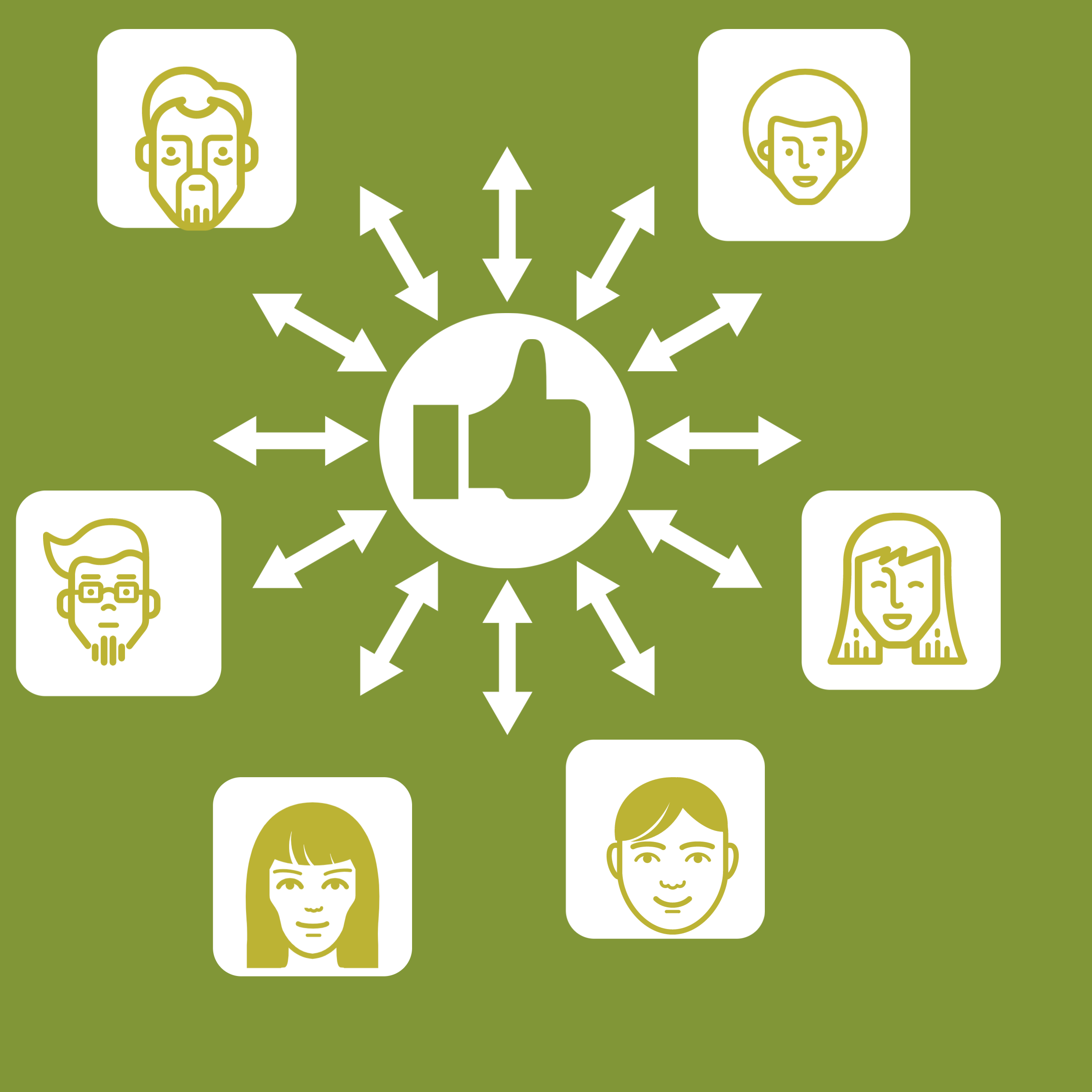
Scientists who do use Facebook for professional reasons tend to use it to promote their work, and as an informal way to network with other scientists. You will find them sharing a link to one of their articles, expressing their excitement about an award, and then linking to the organization behind it. Sharing and discussing articles on Facebook has been linked to increased readership.
In a recent Nature survey, 15% of scientists that are regular Facebook users promote their recent publications on the site, and over 20% use it to post work- related content. And in a separate study, one researcher opined
I find that blogging/Facebook can be a very good way to make one’s research more widely known to other scientists, the public and, very importantly, students (both to inform them and to recruit!).
Who’s most likely to share their work on the site? Well, the most often shared papers on Facebook tend to be those in the biomedical and health sciences, but there’s not yet research on the extent to which these papers were shared by the authors themselves.
Here are some tips for sharing your research on Facebook:
- Ideal times to post are reportedly after the workday is over (5 pm – 1 am), when your friends have more time to click on the links you post.
- Include a photo, figure, or video– visual content gets more “likes” and shares on Facebook than plaintext and links alone do. And more shares means more potential readers for your article.
- Keep your post’s introductory text to 40 characters or less –more people will “like” and comment upon your post, and that means your post will appear more often in others’ timelines, increasing your potential readers.
- If you’re sharing research that might be of public interest, set your post to “Public” and use hashtags related to the subject of your study, so people browsing news on the subject can more easily find your post.
Here’s an example of news articles and updates discovered by the “ #Ebola” hashtag.
Using Facebook to expand your network
“Facebook is also a networking tool, particularly for taking advantage of “weak ties.” Recently, I wanted to meet the author of a successful book to ask her some questions about publishing. I looked her up on Facebook and discovered that we had two friends in common. I emailed one of them and asked for an introduction. Two days later, we were in direct email contact. As another example, in the past year, I have several received lecture invitations from Facebook friends. My constant virtual presence in their lives likely increased the likelihood they would invite me to speak.”
The informal, passive route to networking worked in Golash-Boza’s favor, but note that she didn’t “friend” or message someone she didn’t know in order to make a connection–she leveraged shared ties. But be aware. Some researchers are very against using Facebook in a professional manner, so tread carefully.
Reasons not to use Facebook professionally
Facebook manipulates your newsfeed
Go to Facebook and refresh the page. You might see different results each time. Facebook’s algorithms might decide that your updates aren’t worth sharing with your network. So, why share your research or your views on a platform that might hit the mute button on you?
Facebook has a privacy problem
Facebook’s business model depends on exploitation. They make money by selling your personal data to advertisers (in addition to putting advertisements onto your Facebook profile and allowing brands to use your “likes” in their advertisements ). They also have run afoul of privacy advocates by constantly changing the default privacy settings for profiles, opening up new and established users alike to unwanted public exposure.
If you do choose to use Facebook in a professional manner, be aware of the privacy issues and the steps you can take to mitigate them.
Your network is only as “professional” as you make it
You might use Facebook only for personal updates, sharing photos of your children or what you made for dinner last night. Sure, you can change your Facebook privacy settings to hide unprofessional content from colleagues. But doing that for each new friend you add can be a bothersome process. Some prefer to not friend colleagues at all, for that very reason.
Adjust your settings
Take some time to think on the arguments presented above and decide for yourself whether you want to use Facebook to network with other scientists, share your publications, or to facilitate your research.
If you decide you want to use Facebook in a professional context, here’s advice to make Facebook valuable, and not another source of noise:
- Create a “list” for everyone you’d consider a professional contact, and remember to add future professional contacts to that list, as you become Facebook friends.
- Further edit your privacy settings so new updates are not shared with your professional contacts by default. This can keep you from accidentally sharing something inappropriate with the wrong audience. (Privacy settings > “Who can see my stuff?” > “Who can see my future posts?”,
- Select the group(s) you want to share all of your posts with)
- Whenever you share something that’s of professional interest, be sure to share it with both your work colleagues and your other “friends” on the site. Consider even making it visible to the public. (On the status update box, click the audience button to the left of the “Post” button and choose the lists you want to share that update with.)
References
Insert Reference Address